How to clean a TV screen and other electronics
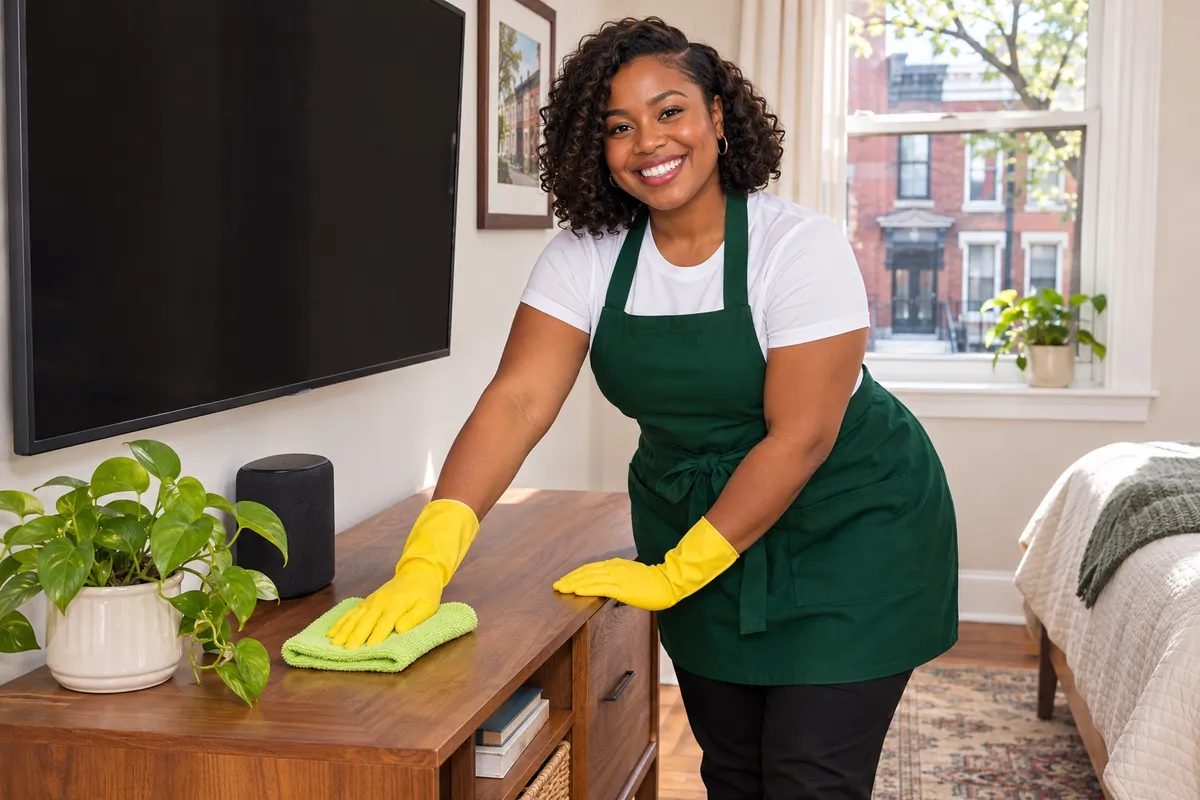
To clean a TV screen, turn it off and let it cool, then wipe it gently with a dry microfiber cloth in one direction. For smudges, use a second microfiber cloth barely damp with plain water, and dry it right after. Never spray anything onto the screen, and skip glass cleaner and paper towels. The same gentle method works for laptops, tablets and monitors.
Before you clean any device, check the maker's care page. It's the final word on what that screen can take.
What do you need?
- Two or three clean microfiber cloths
- Distilled or plain water
- A soft, dry paintbrush or makeup brush for vents and ports
- Compressed air, for keyboards
- Disinfecting wipes, only for devices whose maker allows them
How do you clean a TV, laptop or monitor screen?
- Turn it off and unplug it. A dark screen shows every streak, and it's safer.
- Dry wipe first. A microfiber cloth, light pressure, in one direction.
- Damp wipe for smudges. Spray water onto the cloth, never the screen. It should feel barely damp.
- Dry it. A second dry cloth, right away.
- Leave the edges alone. Liquid that runs into the frame can damage the panel.
How do you clean phones, tablets and remotes?
- Phones and tablets: power off, unplug, wipe with a barely damp microfiber cloth. Use a disinfecting wipe only if the maker allows it. Keep moisture out of ports.
- Remotes: take the batteries out, wipe the buttons with a barely damp cloth, and run a dry toothbrush around the edges of each button.
- Game controllers: same as remotes. Wipe the grips where hands sweat.
How do you clean keyboards, chargers and cords?
- Keyboards: turn off, tip upside down and tap out crumbs, short bursts of compressed air between the keys, then wipe the key tops.
- Chargers and cords: unplug from the wall first, then wipe with a dry or barely damp cloth. Never get the plug wet.
- Power strips: unplug them, then dust with a dry cloth. Dust on a power strip behind the nightstand is a fire risk, so don't let it build up.
What about the dust around them?
Electronics pull dust. Dust the TV stand, the back of the TV and the vents with a dry microfiber cloth or a soft brush every week or two. Keep vents clear so devices can cool, and don't block them with books or laundry. Our dusting guide covers the rest of the room, and our nightstand guide covers the spot where the phone charges.
Want a cleaning booked?
Book House Cleaning online, and put your priorities in your booking notes.
FAQ
What should you not use on a TV screen? Skip glass cleaner, ammonia, alcohol unless the maker allows it, paper towels and anything abrasive. They can strip the screen's coating or scratch it. A dry microfiber cloth, then one barely damp with water, is enough.
How do you clean a phone without damaging it? Power it off and unplug it. Wipe it with a microfiber cloth barely damp with water, or with a disinfecting wipe if the maker says you can. Keep moisture out of the ports and buttons.
How do you clean a dusty keyboard? Unplug it or turn it off, tip it upside down and tap out the crumbs, then use short bursts of compressed air between the keys. Wipe the key tops with a cloth barely damp with water or the cleaner the maker allows.
Book a cleaning
Our service area: every Philadelphia neighborhood, plus the Pennsylvania suburbs within about 30 miles of Center City, in Montgomery, Delaware, Bucks and Chester counties. Book online at phillyscleanteam.com/book-now, or call or text (215) 798-7576, 9 AM to 9 PM, every day.